












You want a forex demo account, but expiry and virtual funds differ by broker and it is hard to know where to start.
We checked the official pages of the 8 brokers listed on this site. Seven offer a demo account; DecodeFX says it does not offer one at present.
Expiry ranges from 30 to 45 to 90 days. The tables below compare availability, expiry, funds, account types and where to open one, as of 4 November 2026.
Short answer: 7 of 8 brokers offer a forex demo account
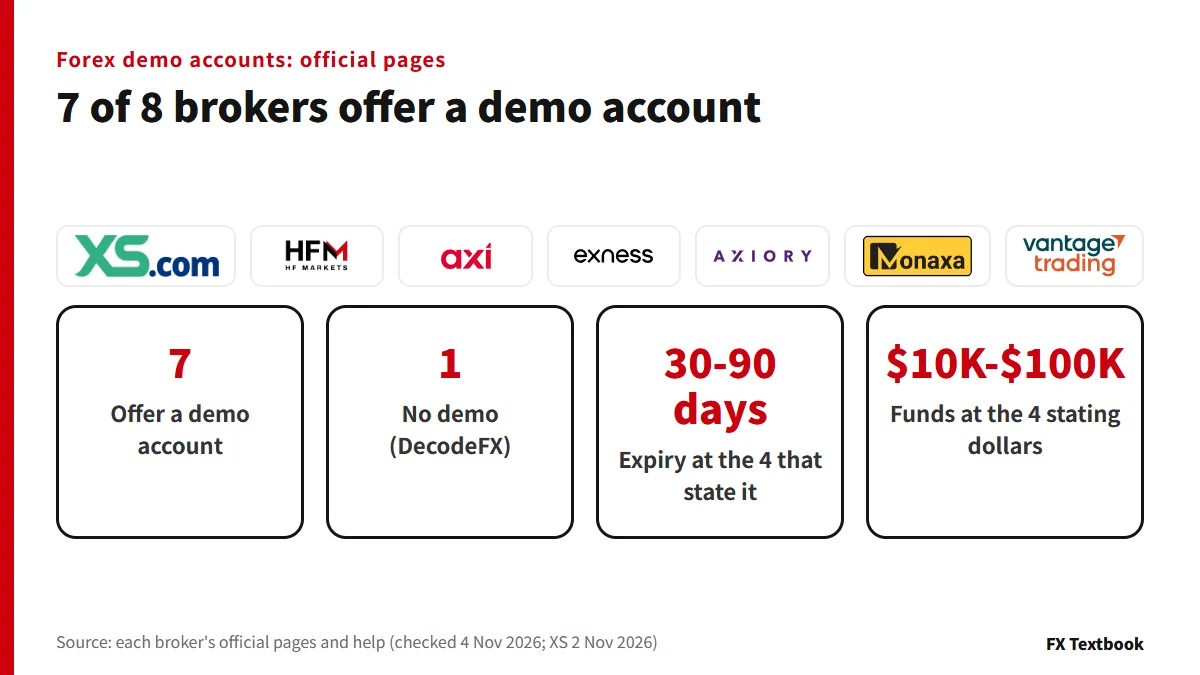
- Seven offer a demo: XS, HFM, Axi, Exness, AXIORY, Monaxa, Vantage Trading
- DecodeFX does not offer a demo account at present (official FAQ)
- Four state the days: Axi 30, Monaxa 45, XS 90, AXIORY 90
- Vantage Trading has no time limit and HFM says unlimited usage; Exness gives no number of days
- Demo profits do not promise live results
| Broker | Demo account | Expiry |
|---|---|---|
| XS | Yes (not Cent, Micro, VIP) | No expiry date; archived after 90 days without a trade |
| HFM | Yes | Official page says unlimited usage |
| Axi | Yes | Expires after 30 days in a row without a trade |
| Exness | Yes (not Standard Cent) | Deleted if unused; number of days not stated |
| AXIORY | Yes (not Alpha) | 90 days from the last login |
| DecodeFX | No | - |
| Monaxa | Yes (MT5 and Pro only) | Expires after 45 unused days |
| Vantage Trading | Yes | No time limit |
It only lines up demo account terms. Anything the broker does not state is marked as not stated.
Forex demo account expiry: days until it lapses or is deleted
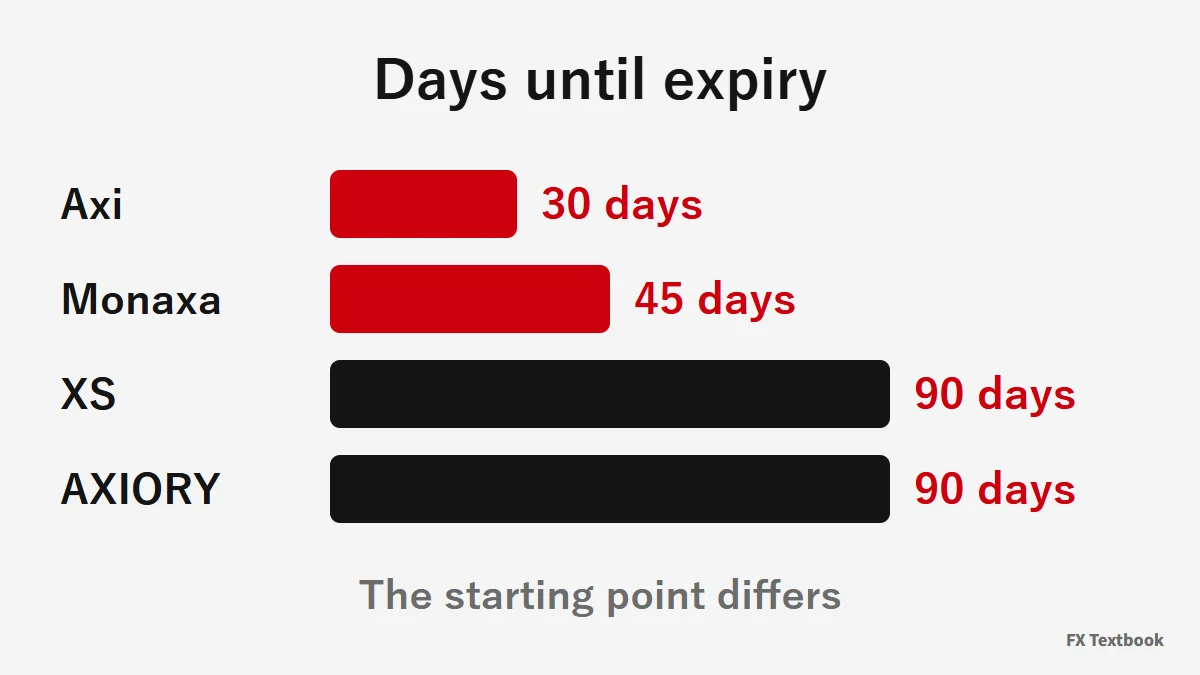
None of the brokers we checked ends a demo on a fixed date. Most let it lapse after a period of no use.
| Broker | When it lapses or is deleted | After that |
|---|---|---|
| Axi | 30 days in a row without a trade | Cannot be reactivated; open a new one |
| Monaxa | 45 unused days | Open a new account from the portal |
| XS | No expiry date; 90 days without a trade | Cannot be restored; you can open a new one |
| AXIORY | 90 days from the last login | Not stated in the official FAQ |
| Exness | No trading or balance operations | Cannot be reactivated; days not stated |
| Vantage Trading | No time limit | Reset the account if funds run out |
| HFM | Unlimited usage (wording on the official demo page) | - |
AXIORY counts from the last login. Axi, XS and Exness go by activity, and Exness includes balance operations. Whether a login alone counts is not stated by Axi, XS or Monaxa.
Demo account forex virtual funds: starting balance and top-ups
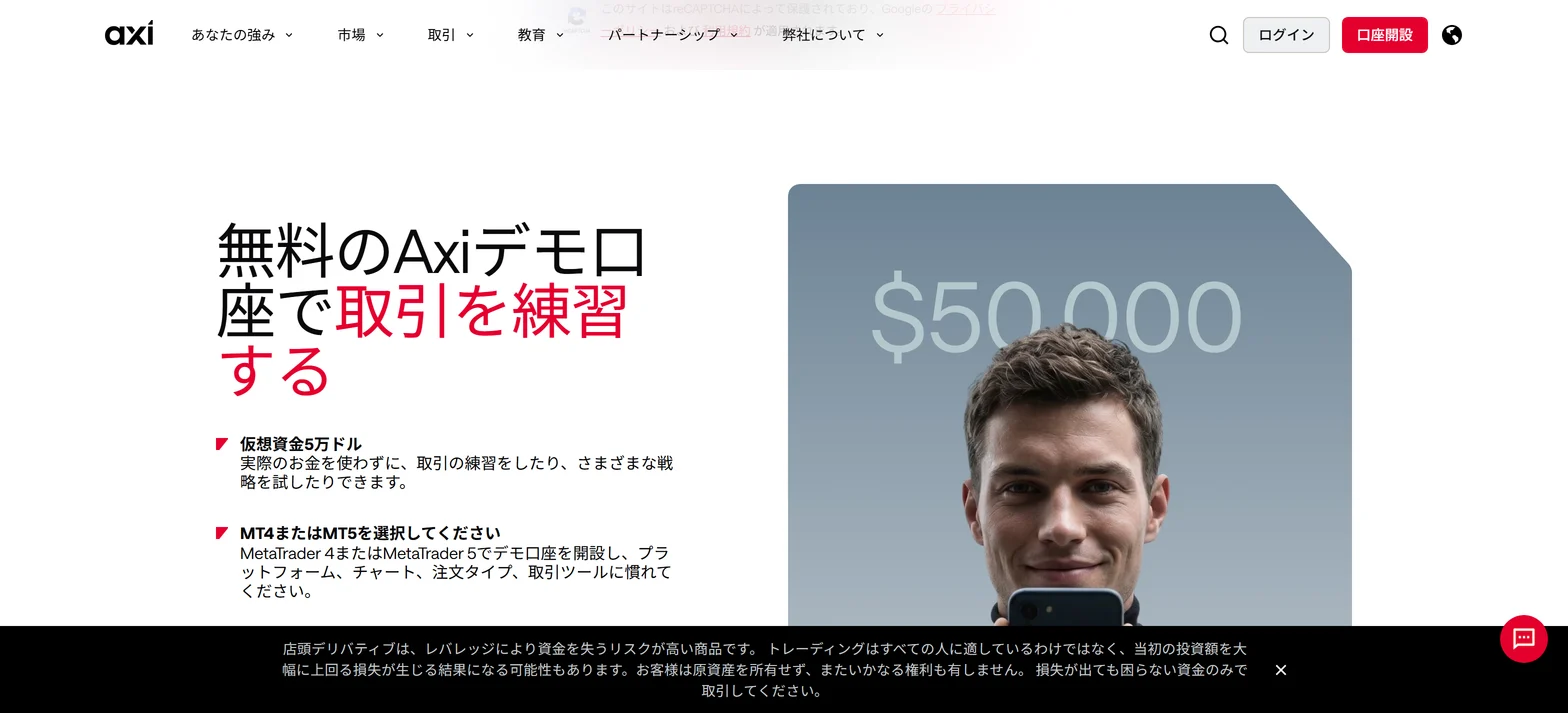
Five brokers give a starting figure: Axi, Monaxa, Vantage Trading, AXIORY and HFM.
| Broker | Virtual funds | Top-up or change |
|---|---|---|
| Axi | $50,000 | Not stated on the page |
| Monaxa | Up to $10,000 (set at creation) | Add Demo Funds in the portal |
| Vantage Trading | $100,000 | Reset the account if funds run out |
| AXIORY | JPY 1,000,000 plus unlimited top-ups | Use Change balance in the portal |
| HFM | Up to $100,000 (opening balance) | Not stated on the page |
| Exness | You set it | Set balance in the Personal Area |
| XS | Not stated | Add Demo Funds in the client area |
| DecodeFX | No demo account | - |
Exness lets you set a balance above or below the current one, in the demo account's currency only.
HFM's demo page says a virtual opening balance of up to $100,000 and its FAQ says unlimited virtual funds. AXIORY gives JPY 1,000,000 plus unlimited top-ups.
Where you can choose, set the amount you plan to deposit live. Lot sizes and profit and loss then feel closer to the real thing.
Forex demo account platforms, account types and how many you can open
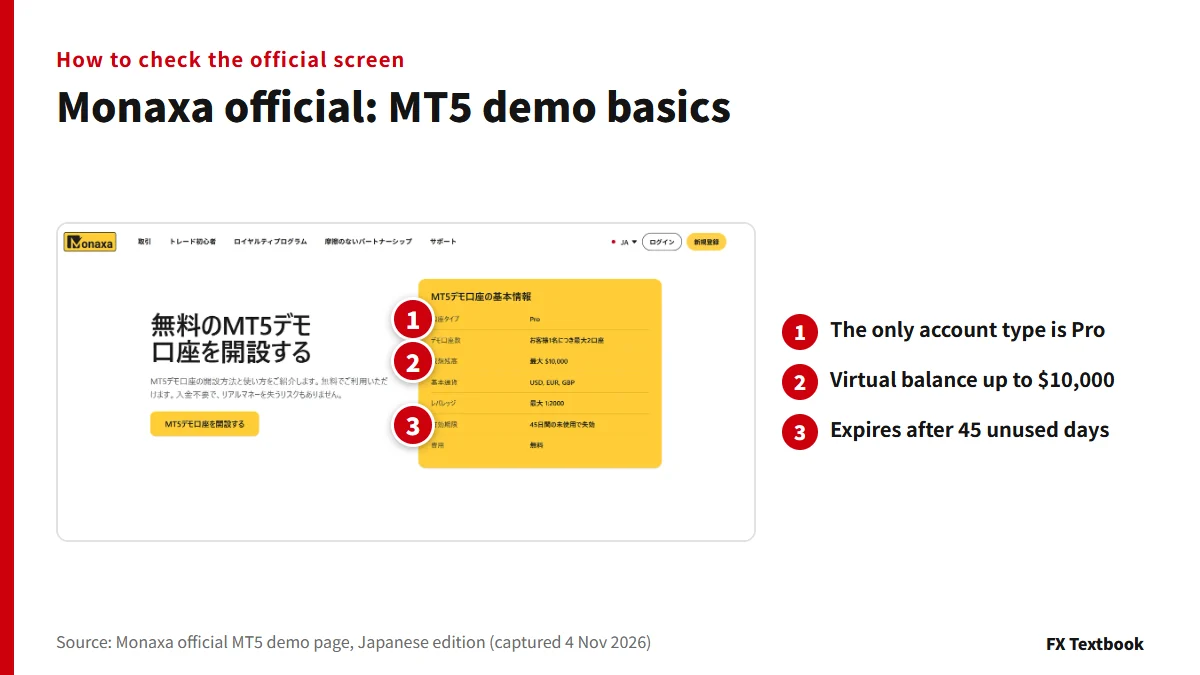
Monaxa's page puts the demo terms in one box: account type, number, funds, currency, leverage and expiry.
| Broker | Platforms and account types | How many |
|---|---|---|
| XS | MT4 and MT5. Standard, Pro, Elite and others | Up to 10 per account type |
| HFM | MT4, MT5, Webtrader and the HFM app | Not stated on the page |
| Axi | MT4 and MT5 | You can open several at once |
| Exness | MT4 and MT5. Every type except Standard Cent | Up to 100 per account type, for each of MT4 and MT5 |
| AXIORY | MT4, MT5 and cTrader. Not Alpha | Up to 10 in total |
| Monaxa | MT5 only. Pro only | Up to 2 per client |
| Vantage Trading | Choose account type and base currency | Not stated on the page |
Axi's official demo page says Standard and Pro. Our broker page names the account Premium, so the wording differs (checked 4 November 2026).
Brokers with no forex demo account, and account types without one
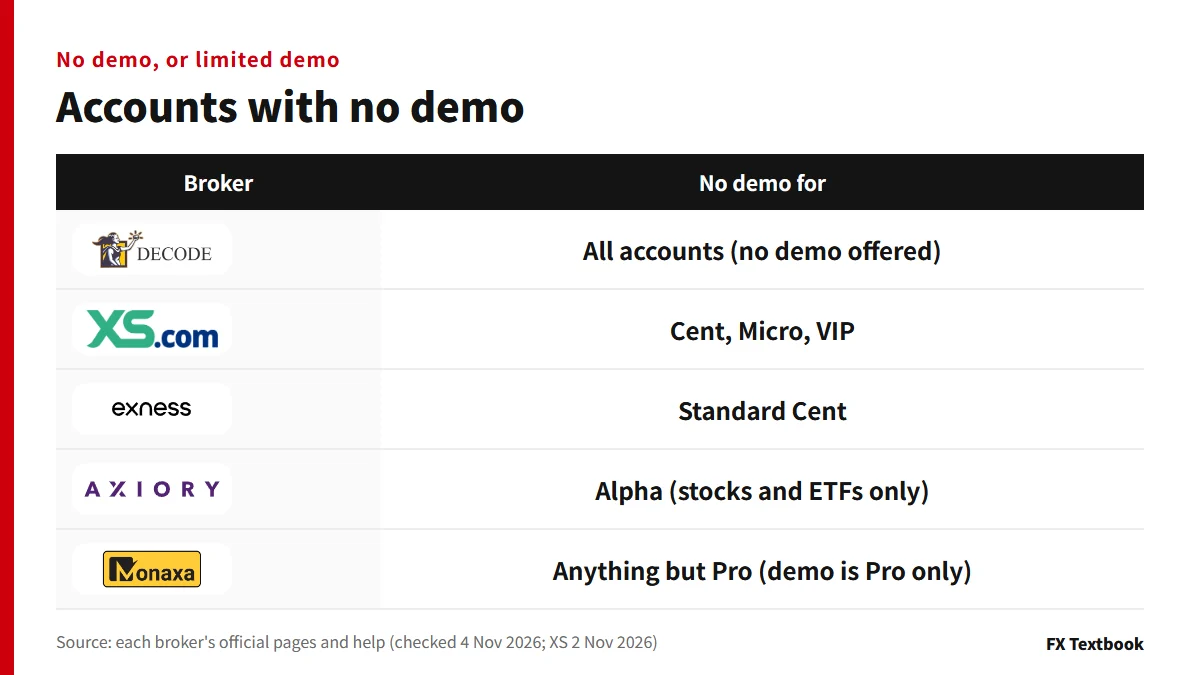
DecodeFX's official FAQ says it does not offer a demo account at present.
To check spreads and conditions, it points you to a live account (no deposit needed) and its platform.
- XS Cent, Micro, VIP: the account pages say no demo
- Exness Standard Cent: real account only
- AXIORY Alpha: stocks and ETFs only
- Monaxa: the official demo is Pro only
If a small account has no demo, test the controls on another type at the same broker. Spreads and commissions still differ by account type.
How to open a forex demo account: where to start at each broker
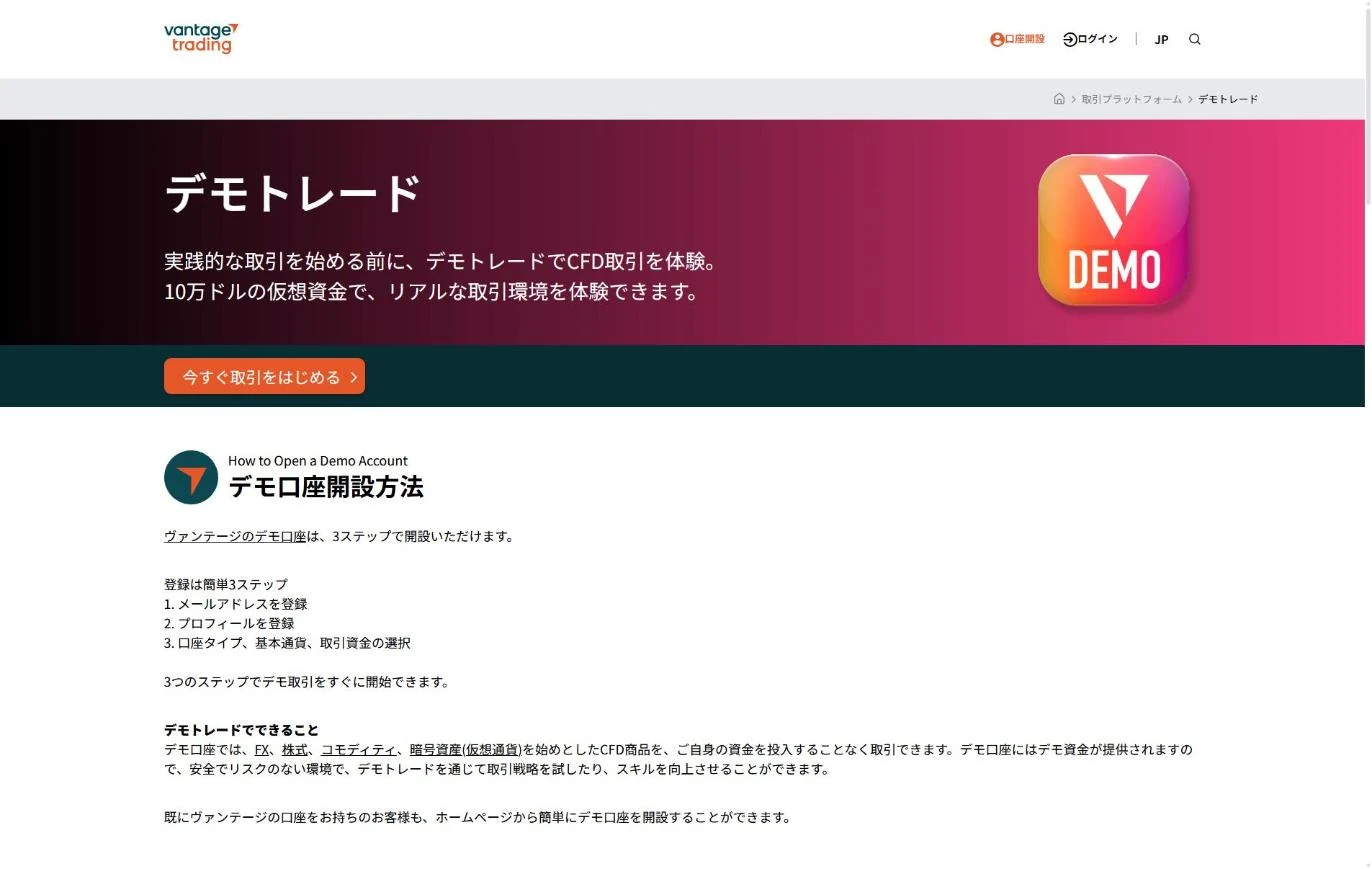
- 01Open the broker's demo page
Each broker's site has a demo page or a sign-up form.
- 02Register with your email
Vantage Trading uses three steps: email, profile, then account type and funds. Monaxa needs email confirmation but no ID check for a demo.
- 03Choose account type, currency and funds
AXIORY asks for leverage, platform, currency and account type. Axi does not let you change the base currency after creation.
- 04Log in to the platform
Enter the account number, password and server in MT4 or MT5. AXIORY's cTrader uses a cTID.
| Broker | Where to start |
|---|---|
| XS | Register on the site, then create it in the client area (my.xs.com) |
| HFM | Create it from the myHF area after registering |
| Axi | Sign-up form on the site (name, country, phone, email) |
| Exness | Personal Area; a Standard MT5 demo is created automatically at registration |
| AXIORY | Demo account form; confirm your email within 7 days of registering |
| Monaxa | Monaxa Portal: Accounts, then Open Demo Account |
| Vantage Trading | The official demo sign-up page (email plus a code) |
Exness's help also says you can open a demo in the Exness Trade app.
Demo account forex vs live: fills, funds and verification
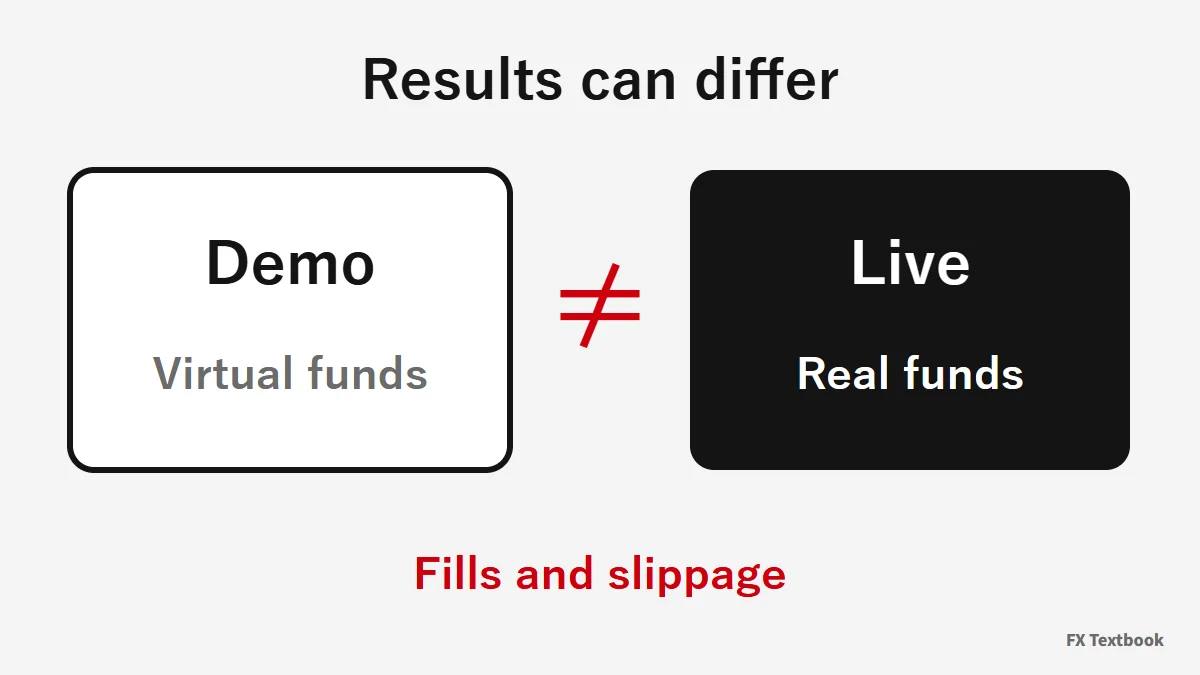
The brokers say a demo mirrors live conditions. None promises the same result.
| Broker | Official wording |
|---|---|
| Axi | Spreads and swaps match the live account; liquidity and slippage are not fully reproduced |
| Exness | Demo trading conditions are the same as a real account |
| AXIORY | Same account type gives live-like rates |
| Monaxa | Fills are simulated; slippage and rejections may not appear |
| Vantage Trading | Uses virtual funds, not real money |
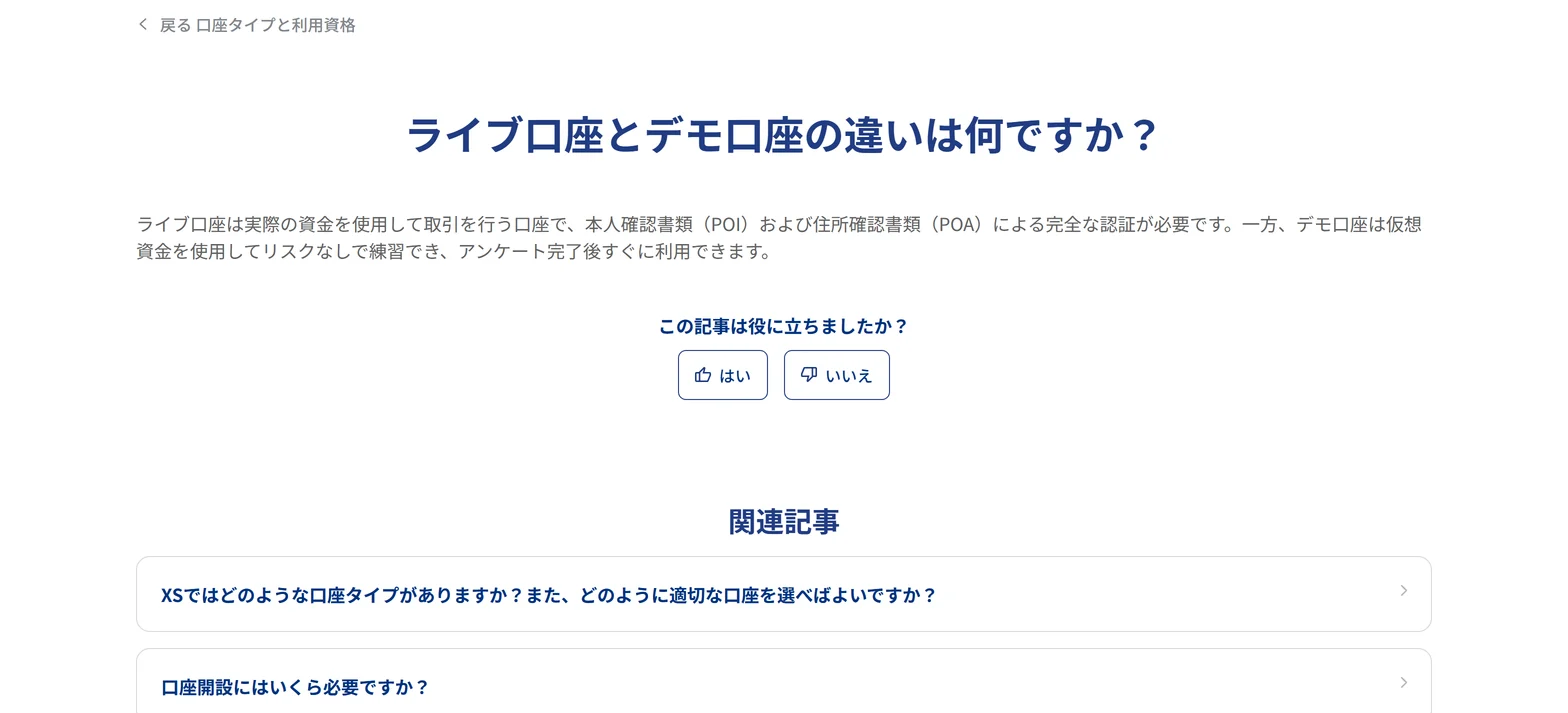
XS says a live account needs full verification with proof of identity and address. A demo is usable right after the questionnaire.
A demo profit does not promise a live profit. Trading FX and CFDs can lead to losses.
Choosing a forex demo account by need, and our view
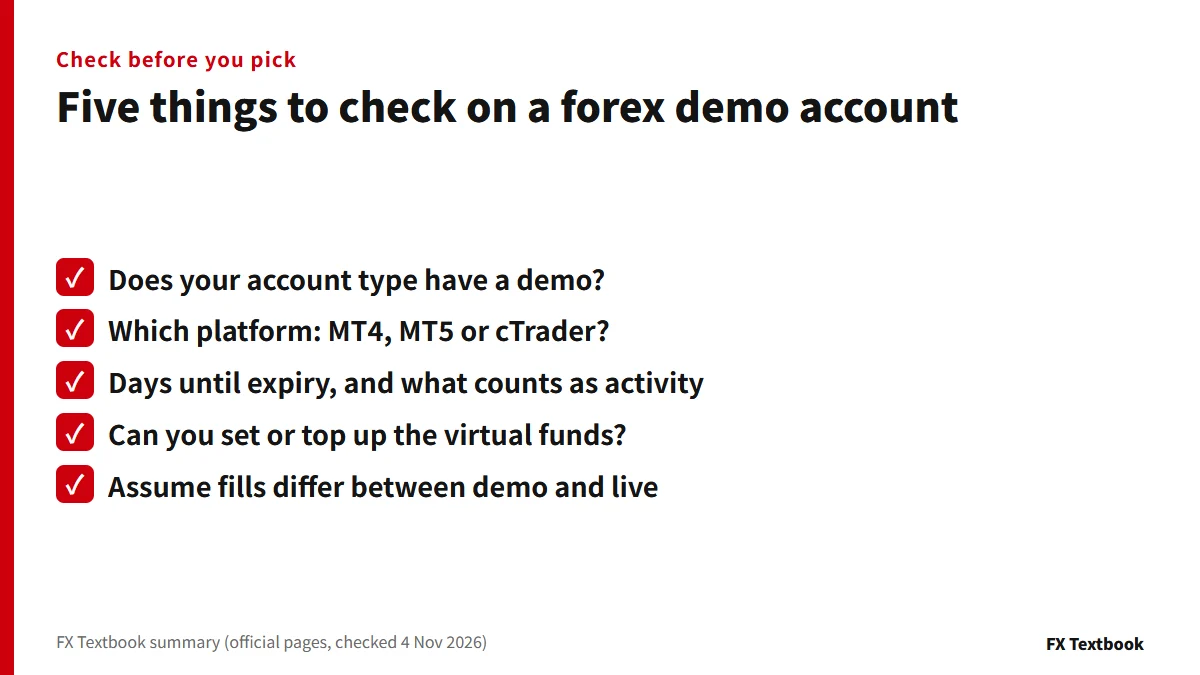
- Want no expiry worries: Vantage Trading states no time limit
- Want to set your own funds: Exness sets balance, AXIORY tops up
- Want to try cTrader: AXIORY covers every platform
- Only need MT5: Monaxa's MT5 demo (Pro, up to $10,000)
- Want to test Cent or Micro: XS and Exness have no demo for them
First check that your account type has a demo. Then place at least one trade within the 30 to 90 day window. If there is no demo, test the controls on another account at the same broker, and keep the results apart from live expectations.
Frequently asked questions
Q. Is a forex demo account free?
A. XS, Axi, Monaxa and Vantage Trading say free. HFM also advertises a free demo account on its site. AXIORY and Exness do not state a cost on the pages we checked (4 November 2026).
Q. Does a forex demo account expire?
A. Yes, in different ways. Axi 30 days, Monaxa 45 days, XS and AXIORY 90 days, counted by trading or login. Vantage Trading states no limit, HFM says unlimited usage, and Exness gives no number of days.
Q. What if my demo account forex funds run out?
A. Vantage Trading lets you reset the account. AXIORY has Change balance, Exness has Set balance, and XS and Monaxa have Add Demo Funds.
Q. Which broker has no demo account?
A. DecodeFX. Its official FAQ says it does not offer one at present and suggests a no-deposit live account. Some account types also lack a demo, such as XS Cent, Micro and VIP.
Q. Can I run an EA on a forex demo account?
A. AXIORY and Vantage Trading say you can test EAs and automated strategies on a demo. We could not confirm it for the other brokers.
Q. Can I open several demo accounts?
A. XS allows 10 per account type, AXIORY 10 in total and Monaxa 2 per client. Axi lets you open several at once. Exness allows up to 100 per account type for each of MT4 and MT5. HFM and Vantage Trading state no limit on the pages we checked.
Q. Do demo results carry over to a live account?
A. No promise can be made. Monaxa calls fills simulated and Axi says liquidity and slippage are not fully reproduced. Use a demo to practise the controls, not as proof of results.
Sources and conditions
- Axi official: free demo account (checked 4 Nov 2026) →
- AXIORY official: demo account (checked 4 Nov 2026) →
- AXIORY official FAQ: demo account (checked 4 Nov 2026) →
- AXIORY official: how to open a demo account (checked 4 Nov 2026) →
- Monaxa official: free MT5 demo account (checked 4 Nov 2026) →
- Vantage Trading official: demo trading (checked 4 Nov 2026) →
- Vantage Trading official: demo sign-up page (checked 4 Nov 2026) →
- Exness help: real and demo accounts (checked 4 Nov 2026) →
- Exness help: how to set a demo balance (checked 4 Nov 2026) →
- Exness help: demo on every account type (checked 4 Nov 2026) →
- HFM official: demo account page (checked 4 Nov 2026) →
- HFM official: FAQs (checked 4 Nov 2026) →
- Exness help: how many trading accounts can I open (checked 4 Nov 2026) →
- DecodeFX official: account types and FAQ (checked 4 Nov 2026) →
- XS official help: Can I open a demo account with XS? (checked 2 Nov 2026) →
- XS official help: Does the demo account expire? (checked 2 Nov 2026) →
- XS official help: live vs demo accounts (checked 2 Nov 2026) →
- Advertising disclosure and risk notice →
FX Textbook is an independent information site, not a broker or provider of personal investment advice. Forex and CFDs involve risk. You may lose some or all of your invested capital. No trading result is guaranteed.
NEXT STEP
Tested on demo? Then compare each broker's account terms.
Account types, platforms and current offers, broker by broker. Live trading starts after identity verification.
Brokers covered in this column
Account types, trading conditions and current offers are on each broker page.