
Two questions come up before you try BYDFi copy trading: is there a copy-specific fee, and do you still pay a share on a day that loses money?
The seven official help articles were checked on 9 November 2026. The only copy-specific cost they describe is the profit share, 10% by default. It applies when your realized profit since the previous profit share is positive, and it settles every day between 1:00 and 2:00 Japan time.
Copy trading here means futures. The risks are collected in the last section.
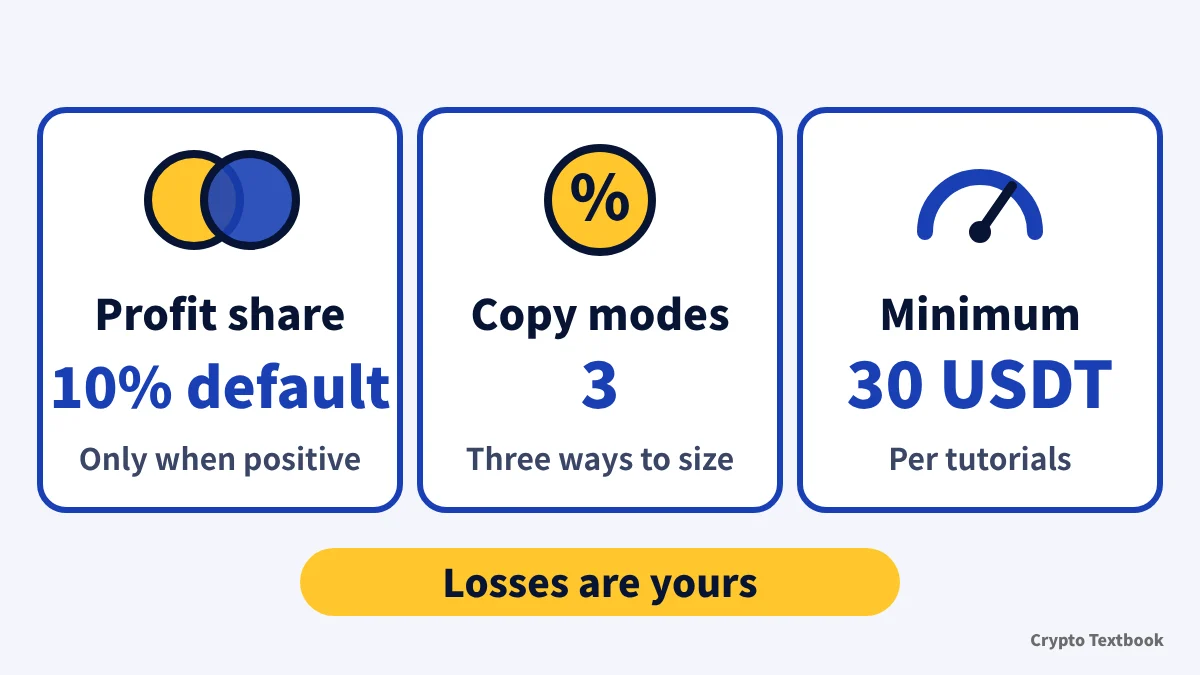
Bottom line: the cost is a profit share (10% default), three modes, 30 USDT minimum
- It copies USDT-M futures. Copy funds move from your Spot account into the copy account
- Three modes: Smart Ratio, Fixed Amount and Fixed Ratio
- Minimum copy amount is 30 USDT (tutorials); the terms article says 0.01 USDT or more
- The cost is a profit share, 10% by default, and the ratio differs by trader
- A share is charged only when realized profit since the last profit share is positive
- When equity reaches the Account Stop Loss amount, every position closes at market and the rest returns to Spot
The seven copy trading help articles do not give a trading fee rate for copy orders. The standard futures display is 0.020% maker and 0.060% taker (Fee page, captured 8 November 2026). Whether copy orders pay the same rate cannot be judged from the official text alone.
The lead trader guide says the supported scope is limited to USDT-M futures in hedge mode. Spot copying is not described.
How to start: six steps from choosing a trader to submitting
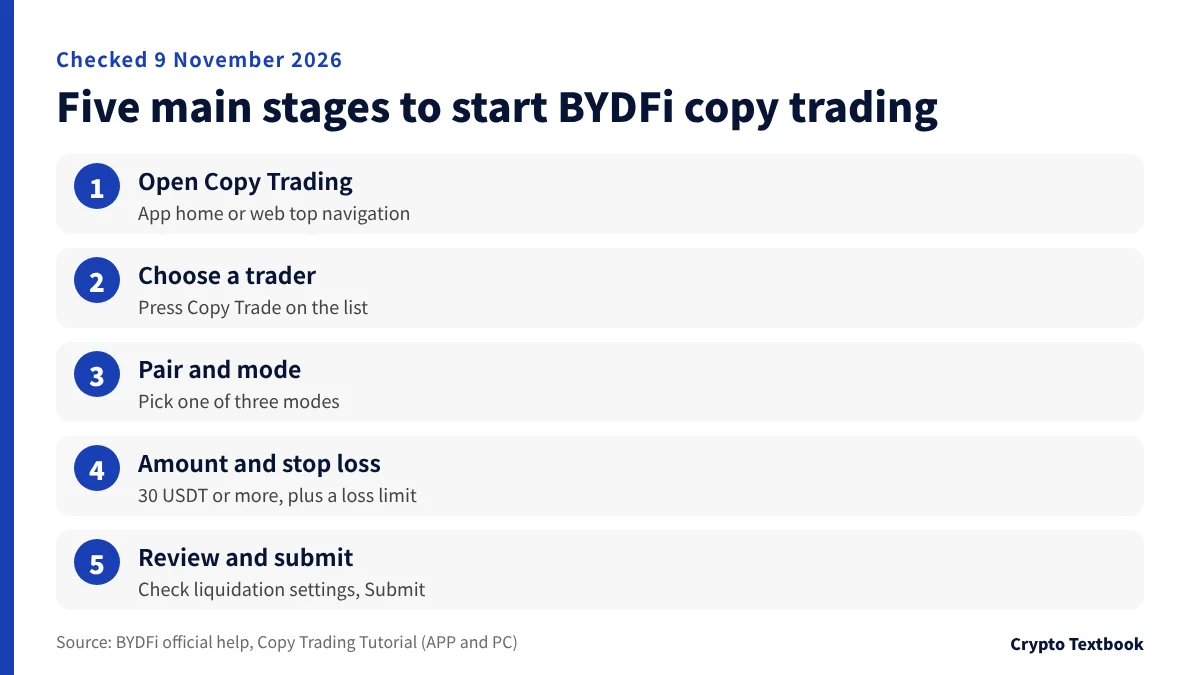
The entry point is [Copy Trading] on the app home screen, or the top navigation bar on the web. The steps below follow the app help, which uses Smart Ratio as its example. The web version runs in the same order.
- 01Open Copy Trading
On the app, tap [Copy Trading] on the home page. On the web, log in and click [Copy Trading] in the top navigation bar.
- 02Choose a trader
Pick from the lists (overall ranking, highest ROI, highest PNL) or from [All Traders], then press [Copy Trade].
- 03Set the pair and the mode
Select [All] futures pairs or individual pairs, then choose Smart Ratio, Fixed Amount or Fixed Ratio.
- 04Enter the amount and the stop loss
The copy amount must be at least 30 USDT. If your Spot balance is short, use [Transfer Funds] to move money from Futures or Fiat. Set the Account Stop Loss here too.
- 05Liquidation setting and other settings
Choose Trader's Liquidation Settings ([Follow to Close] or [Do Not Follow]). Change Risk Control, Margin and Leverage & Slippage if needed, then tap [Next Step].
- 06Review and submit
Check the summary and press [Submit] to finish.
Open the BYDFi sign-up page (with this site's referral link) →
If a trader runs a Private Portfolio, go to [Following], tap [Follow Private Portfolio], enter the invitation link the trader gave you and press [Confirm] (app help).
The help articles do not say whether copy trading requires identity verification. Verification levels and withdrawal limits are covered in a separate column.
BYDFi identity verification (KYC) levels and withdrawal limits (column) →
Copy modes: Smart Ratio, Fixed Amount and Fixed Ratio
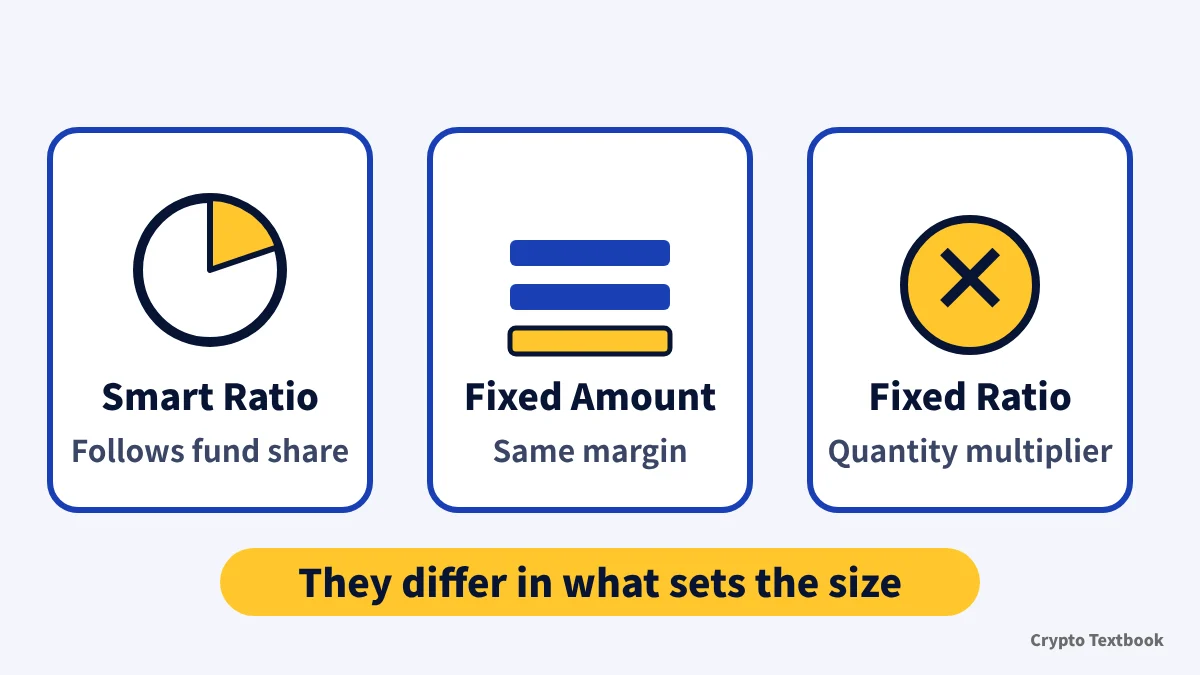
The modes differ in what decides the size of your order. The table uses the examples from the official help.
| Mode | How order size is set | Official example |
|---|---|---|
| Smart Ratio | Follows the share of funds the trader used | Trader balance 1,000 USDT, order 100 USDT (10%). With 110 USDT in your copy account, your order uses 11 USDT |
| Fixed Amount | The same margin every time | Set to 50 USDT, your margin is always 50 USDT whatever the trader's size |
| Fixed Ratio | Multiplies the trader's filled quantity | A ratio of 0.7 and a 100-contract order gives you 70 contracts |
Written as a formula, the Smart Ratio example is 110 USDT x (100 / 1,000) = 11 USDT. The formula is this site's restatement and gives the same result as the official example.
Choosing [All] pairs copies every futures pair. Choosing individual pairs follows only those.
The help does not explain how profit and loss differ between the three modes. By definition, Fixed Amount equalizes margin, Smart Ratio mirrors fund allocation and Fixed Ratio equalizes quantity.
Settings: stop loss, liquidation link, margin and slippage
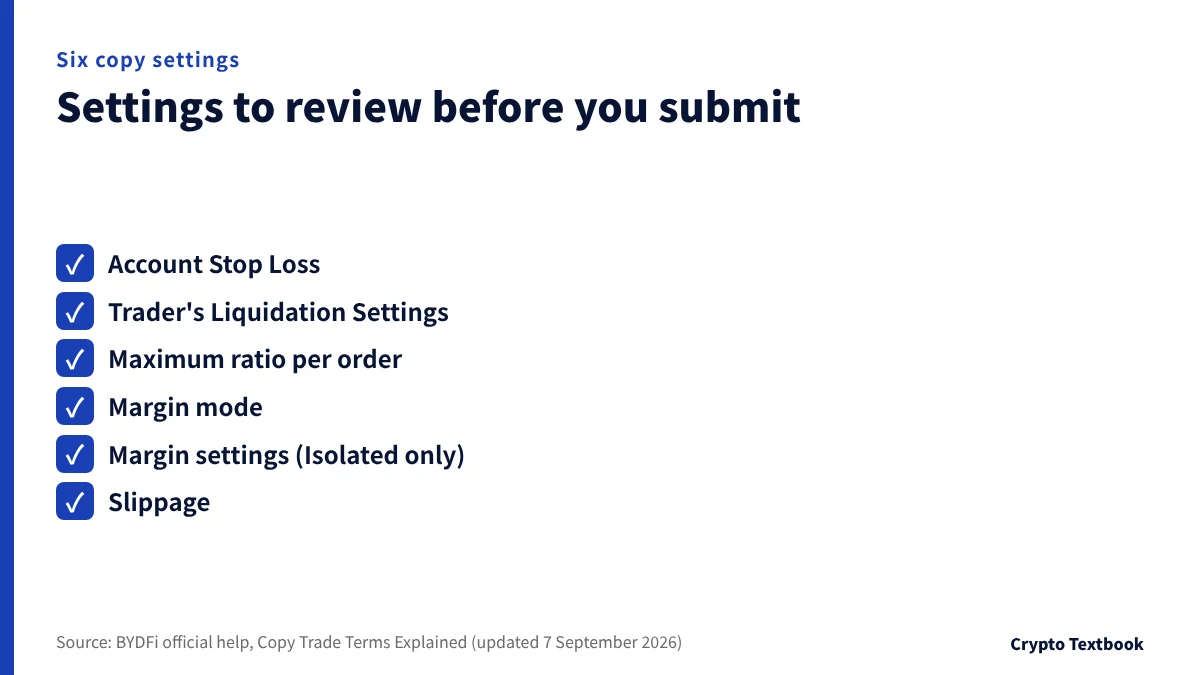
| Setting | What it does |
|---|---|
| Account Stop Loss | You set an amount. When account equity reaches it, copying ends, all positions close at market and the rest returns to Spot. The actual value at termination can differ slightly |
| Trader's Liquidation Settings | [Follow to Close] closes your matching position when the trader is liquidated. [Do Not Follow] leaves it open and sends a notification. You then manage it under My Copy Trades, then Current |
| Maximum ratio per order | When one futures order's cost reaches the asset ratio you set, the order is placed at the maximum permitted cost |
| Margin mode | Choose Follow Trader, Cross or Isolated |
| Margin settings | Choose Do Not Adjust Margin, Auto Margin Addition or Based on Trader's Settings. These apply to Isolated positions only |
| Slippage | Orders run as IOC limit orders within your range. An order with no match in range is cancelled and logged as a failed copy |
A stop-loss example: with a 300 USDT copy amount and an Account Stop Loss of 200 USDT, copying ends when equity reaches 200 USDT (this site's calculation, hypothetical figures).
Auto Margin Addition does not guarantee you avoid liquidation. The official help says it may help prevent liquidation, but under extreme market conditions you may lose all funds allocated to the trader.
The tutorial advises allocating copy funds sensibly and setting TP/SL orders. The copy trading help does not say on which screen to enter TP/SL.
Profit share: only when the running total is positive, at the trader's ratio
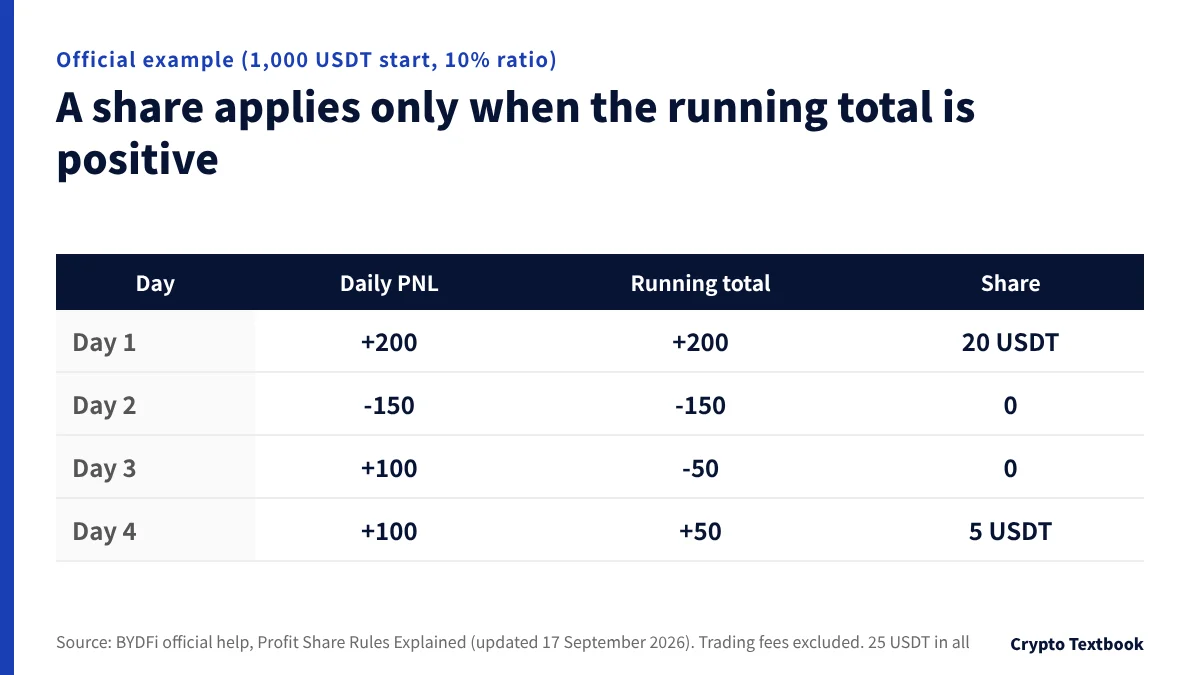
The official formula is profit share = total realized profit x ratio, and it applies only when realized profit since the previous profit share is positive. A loss on the way stays in the running total (days 2 and 3 below). The default ratio is 10%, and a trader can apply to change it (once a day).
A trader in Public mode can set up to 15%, and in Private mode up to 50% (lead trader guide). The ratio is shown on the trader's card, so read it before you follow.
| Day | PNL (running total since last share) | Share (10%) |
|---|---|---|
| Day 1 | +200 (total +200) | 20 USDT |
| Day 2 | -150 (total -150) | 0 |
| Day 3 | +100 (total -50) | 0 |
| Day 4 | +100 (total +50) | 5 USDT |
User A's equity in this example is 1,000 + 250 - 25 = 1,225 USDT. From day 5, a new share applies only once equity rises above 1,225 USDT.
The share is calculated once a day at 16:00 UTC and settled between 16:00 and 17:00 UTC, which is 1:00 to 2:00 the next day in Japan.
- Only realized profit from fully closed positions counts
- A position that is only partly closed is excluded
- If open positions remain, settlement is postponed to the next one
- If you unfollow, that share is settled immediately
Before settlement, the expected share is held back from your balance (pre-freeze). The difference from the actual share is returned to your futures account.
The official example shows no refund of a share you have paid if you lose later. A +100 day followed by a -100 day nets to 0 but still costs you 10 USDT (10% ratio, hypothetical figures, this site's calculation).
The overview says a share applies only when the followers' total profit in the settlement period is above 0. The detail text and the example test the running total since the previous settlement (the example says "previous profit share settlement"). The example carries the day 2 and day 3 losses into day 4, so this guide follows it.
Another exchange: Bitunix settles every Monday, with the same 10% default (column) →
Costs beyond the profit share: what the copy help says and does not say

| Item | What the official help says |
|---|---|
| Profit share | Yes. Settled at the trader's ratio, as in the previous section |
| Copy-specific fee | Not mentioned in the seven copy trading help articles |
| Trading fee rate | Not given in the copy help. Standard futures show 0.020% maker and 0.060% taker (Fee page) |
| Funding fee | The Copy Trade Bonus can be used to cover funding fees, which suggests copy positions pay them |
| Deposits and withdrawals | Not covered in the copy help. See the deposit and withdrawal column |
Standard futures rates fall step by step as the VIP level rises (VIP page, captured 8 November 2026). VIP 0 is 0.02% maker and 0.06% taker.
Suppose the standard futures rate also applies to copy orders. At VIP 0, opening a 10,000 USDT position at market and closing at market costs 6 + 6 = 12 USDT (this site's calculation, an assumption).
BYDFi fees: spot, futures, VIP and withdrawals with worked examples (column) →
How to choose a trader: official metric definitions and an order to read them
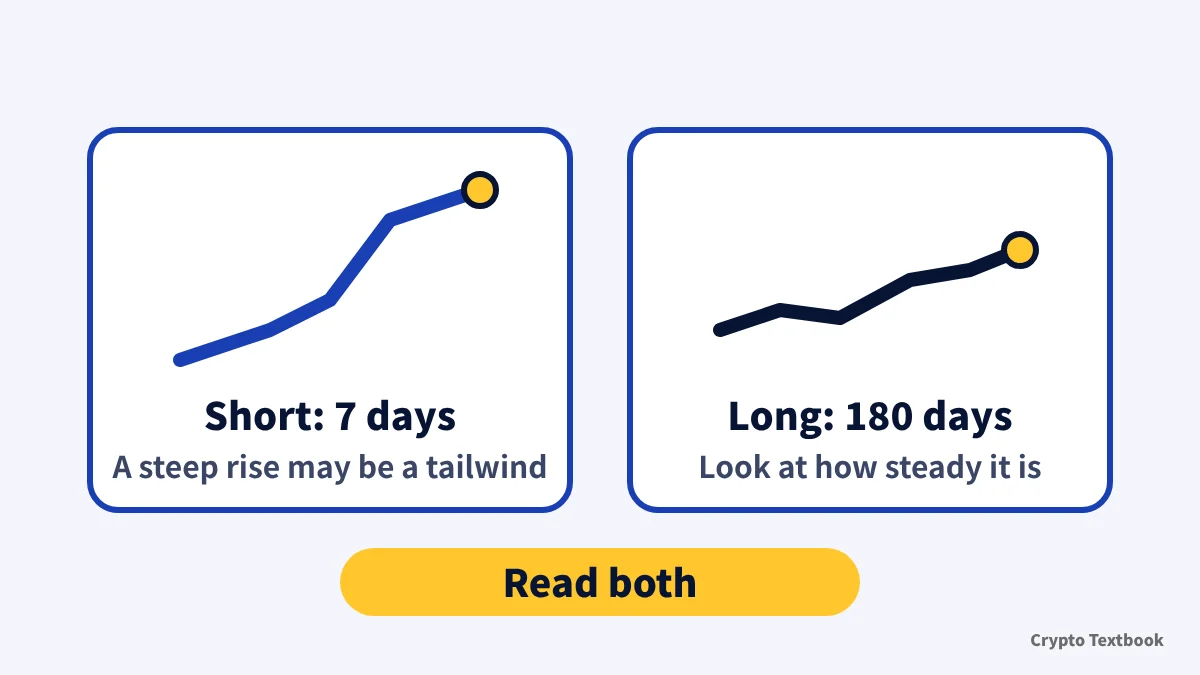
The official help tells you to read short and long periods side by side. A strong 7 days may only reflect a tailwind in the market.
Its example is a trader who did well over 7 days and stayed relatively stable over 180 days. The metric definitions are below.
| Metric | Official definition |
|---|---|
| Total ROI | Total profit divided by the total historical margin used for copy trading |
| Total win rate | Closed trades with positive PNL divided by all closed trades, x 100% |
| PNL ratio | The ratio of total profits to total losses (only the Japanese terms article words it as losses against profits) |
| Trading frequency | Average number of trades per week in the selected period |
| Total followers | Unique users who have followed the trader (one person counts once) |
| Lead trade scale | Total assets in the copy accounts of everyone currently following |
| Holding duration | Calculated automatically per strategy, including open positions |
Only the Japanese terms article reads the ratio the other way round. Both English articles and the Japanese how-to-choose article say total profits to total losses, so this guide reads it as profit over loss. The official text does not say which way the screen shows it, so check the figure on the detail page against win rate and cumulative PNL.
Do not choose on win rate alone, the help says. If 9 of 10 trades win +10 USDT and 1 loses -100 USDT, the win rate is 90% but the total is -10 USDT (hypothetical figures, this site's calculation).
- AI Recommendations: the system suggests traders to match your preferences
- Manual filters: sort by ROI, PNL or followers
- Watchlist: tap the star on a card to compare later
- VS comparison: the [VS] button puts several traders side by side
- Follower slot reminder: a notice when a full trader opens a slot
Maximum drawdown is not among the metric definitions in the seven articles. To see how deep a fall was, read the cumulative PNL and the daily PNL on the detail page.
How to stop and change: stop loss, unfollow and edit compared
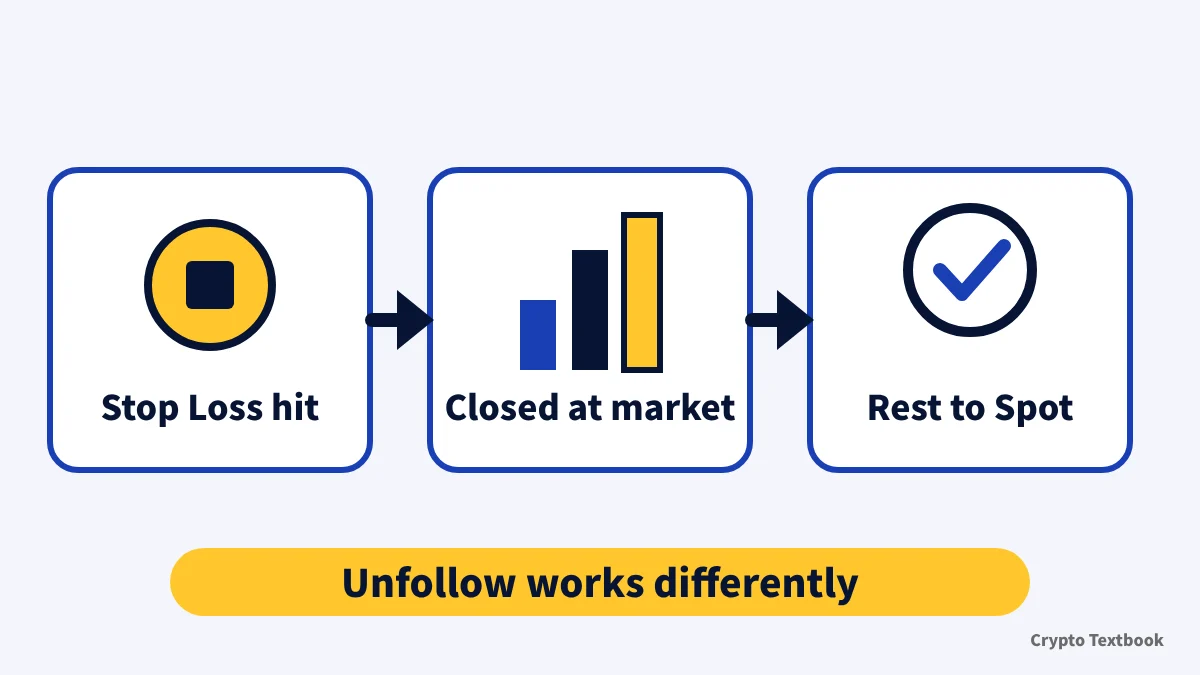
| Method | What happens |
|---|---|
| Account Stop Loss | Copying ends when equity reaches your amount. All positions close at market and the rest returns to Spot |
| Unfollow | App: [Following], [Traders], [Unfollow]. Web: My Copy Trades, [Following], [Traders]. The profit share for it is settled immediately |
| Edit | Change the pairs, mode and other parameters. Adjust the amount with the pencil icon (minimum 30 USDT) |
| Trader liquidated (Do Not Follow) | Your position is not closed and you get a notification. You manage it yourself |
The help does not say what happens to copy positions that are still open when you unfollow. Check your holdings under [Current] before you unfollow.
The Account Stop Loss moves to a market close when your amount is reached. The official help says equity at termination may differ from the amount you set after a sharp move.
Copy Trade Bonus (trial funds): copy-only use
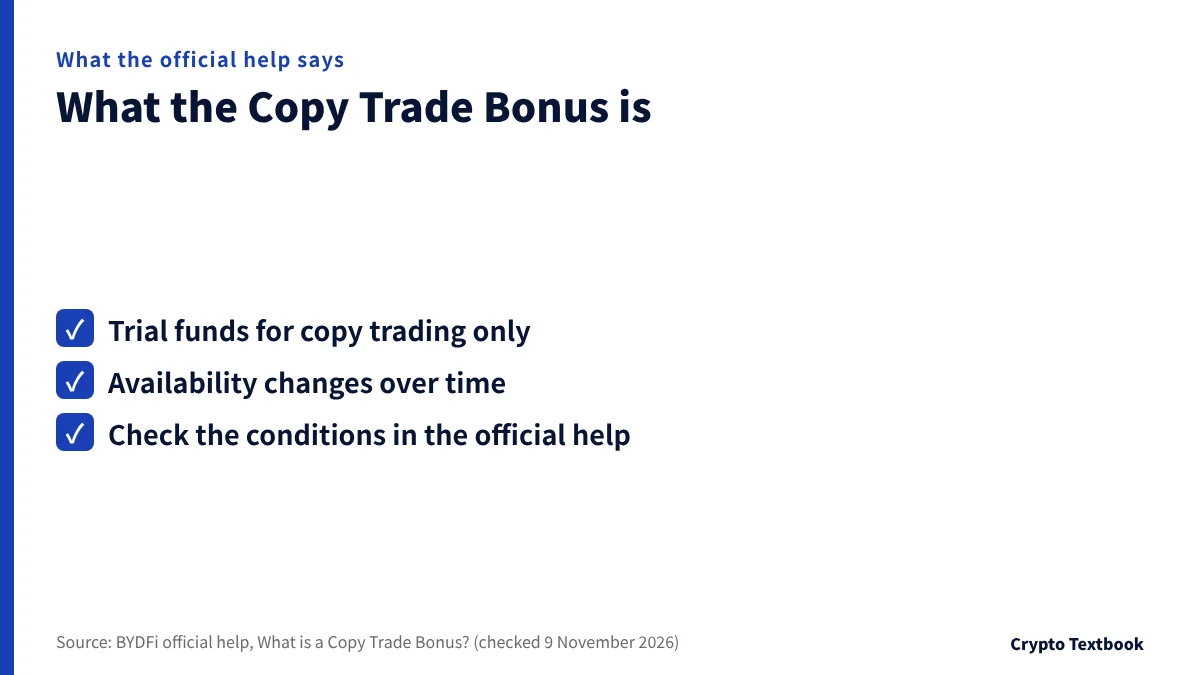
The official help describes trial funds for copy trading only, called the Copy Trade Bonus. Availability and conditions change over time, so check the official help for details.
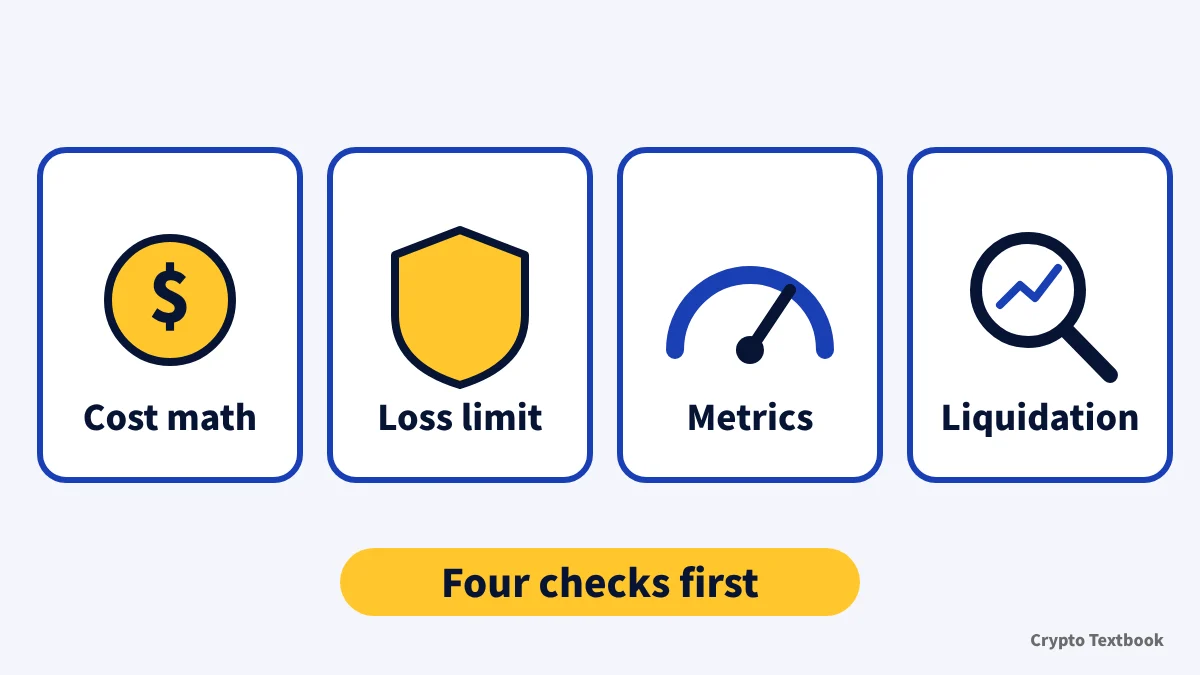
Risks, and four things to check before you start
Copy trading replicates another person's futures trades in your own account. The official help says past performance does not guarantee future profits.
The copy settings include a leverage item. The lead trader guide only says the maximum leverage varies by trading pair and gives no figure. The official navigation shows "BTC 500x", but nothing ties that to copy orders.
Crypto futures are volatile and liquidation can wipe out your margin. Copying still uses your own money. Use only funds you can afford to lose and decide the stop-loss amount first.
The cost the official help describes for BYDFi copy trading is the profit share (10% default, only when the running total is positive). You bear every loss yourself.
- If you are estimating cost, read the trader card's profit share ratio first
- If you want a loss limit, set the Account Stop Loss amount
- If you are comparing traders, read the 7-day and 180-day results together
- If liquidation worries you, read the liquidation and margin settings as a pair
Five points could not be confirmed officially: the trading fee rate for copy orders, whether verification is required, what happens to open positions on unfollow, the leverage figures for copying and a definition of maximum drawdown. Gaps in the official text are not filled with guesses.
BYDFi reputation and safety: reserves, terms and restricted countries (column) →
BYDFi futures leverage and liquidation (column) →
BYDFi and Bitunix compared: fees, copy trading and more (column) →
Frequently asked questions
Q. How much does BYDFi copy trading cost?
A. The copy trading help does not mention a copy-specific fee. The cost it describes is a profit share, 10% by default. No trading fee rate is given for copy orders, and standard futures show 0.020% maker and 0.060% taker.
Q. What is the BYDFi copy trading profit share and when is it paid?
A. The default is 10% and the ratio differs by trader, up to 15% in Public mode and 50% in Private mode. It applies only when realized profit since the previous profit share is positive. Settlement runs 16:00 to 17:00 UTC, which is 1:00 to 2:00 the next day in Japan.
Q. What is the minimum for BYDFi copy trading?
A. The tutorials (APP and PC) say the minimum copy amount is 30 USDT. The terms article says 0.01 USDT or more, so the wording differs. Check the figure on your settings screen.
Q. What copy modes does BYDFi have?
A. Smart Ratio, Fixed Amount and Fixed Ratio. Smart Ratio follows the trader's fund allocation, Fixed Amount uses the same margin each time and Fixed Ratio multiplies the trader's filled quantity.
Q. What happens to my positions if I stop BYDFi copy trading?
A. When the Account Stop Loss is reached, all positions close at market and the rest returns to Spot. If you unfollow, the profit share for it is settled immediately. The help does not say what happens to open positions then.
Q. What happens to my position if the trader is liquidated?
A. Trader's Liquidation Settings decides. With [Follow to Close], your matching position closes too. With [Do Not Follow], it stays open and you get a notification, then manage it under Current.
Q. Can I copy trade spot on BYDFi?
A. The official copy trading help describes futures. The lead trader guide limits the scope to USDT-M futures in hedge mode, and spot copying is not mentioned (checked 9 November 2026).
Q. Can I lose money with BYDFi copy trading?
A. Yes. It is not a profit guarantee, and the official help says past performance does not guarantee future profits. You still use your own funds and can lose margin to liquidation.
Sources
- BYDFi | BYDFi Copy Trading Tutorial (APP) (official help, updated 29 September 2026, checked 9 November 2026) →
- BYDFi | BYDFi Copy Trade Tutorial (PC) (official help, updated 3 September 2026, checked 9 November 2026) →
- BYDFi | BYDFi Copy Trade Profit Share Rules Explained (official help, settlement time, formula and example, updated 17 September 2026, checked 9 November 2026) →
- BYDFi | BYDFi Copy Trade Terms Explained (official help, modes, settings and metric definitions, updated 7 September 2026, checked 9 November 2026) →
- BYDFi | How to Choose BYDFi Copy Trade Traders (official help, updated 7 September 2026, checked 9 November 2026) →
- BYDFi | Copy Trading Guide For Lead Traders (official help, profit share ratio limits, updated 17 September 2026, checked 9 November 2026) →
- BYDFi | What is a Copy Trade Bonus? (official help, updated 23 September 2026, checked 9 November 2026) →
- BYDFi | Fee Overview (official, standard futures rates, checked and captured 8 November 2026) →
- BYDFi | BYDFi VIP (official, futures fee rates by VIP level, checked and captured 8 November 2026) →
FX Textbook is an independent information site, not an exchange or a provider of personal investment advice. Crypto-asset trading involves risk: price volatility, liquidation of leveraged positions, transfer mistakes and the operational risk of exchanges and service providers can cause you to lose some or all of your invested capital. No result is guaranteed.
NEXT STEP
Check BYDFi fees, leverage and product types on the exchange page.
Spot, futures and copy trading conditions, based on official pages.
Exchanges related to this column
Fees, leverage, funding options and current offers are on each exchange page.